Dokumentacioni i FINTRACK
Nga konfigurimi i biznesit deri te deklarimet tatimore—udhëzime praktike për çdo modul, me pamje reale nga aplikacioni në shqip.
FINTRACK TOOLKIT
Gjithçka që menaxhoni në FINTRACK
Modulet janë ndërtuar për të punuar së bashku, që çdo faturë, pagesë dhe deklarim të ketë të njëjtin burim të dhënash.
Faturat & Klientët
Oferta, fatura, pagesa dhe pasqyra e klientit.
Shiko pamjenArka & Transaksionet
Të ardhura, shpenzime dhe lëvizje të parasë.
Shiko pamjenOperacionet
Furnitorë, artikuj, dokumente dhe asete fikse.
Shiko pamjenPunonjësit & Pagat
Regjistri i stafit dhe përpunimi i pagave.
Shiko pamjenAnalitika & Raportet
Pamje financiare, trende dhe raporte të detajuara.
Shiko pamjenTatimet & Deklarimet
TVSH, librat tatimorë dhe eksportet për ATK.
Shiko pamjenKonfigurimi i parë në 4 hapa
Plotësoni bazën një herë dhe puna e përditshme bëhet shumë më e shpejtë.
Plotësoni biznesin
Vendosni të dhënat ligjore, numrin fiskal, adresën dhe llogaritë bankare te Cilësimet.
Shtoni klientët
Regjistroni klientët me NUI, kontaktet dhe kushtet e pagesës për faturim më të shpejtë.
Krijoni artikujt
Ruani produktet ose shërbimet me çmim, njësi dhe normën përkatëse të TVSH-së.
Lëshoni faturën
Zgjidhni klientin dhe artikujt; FINTRACK llogarit totalet dhe TVSH-në automatikisht.
01 · PANELI
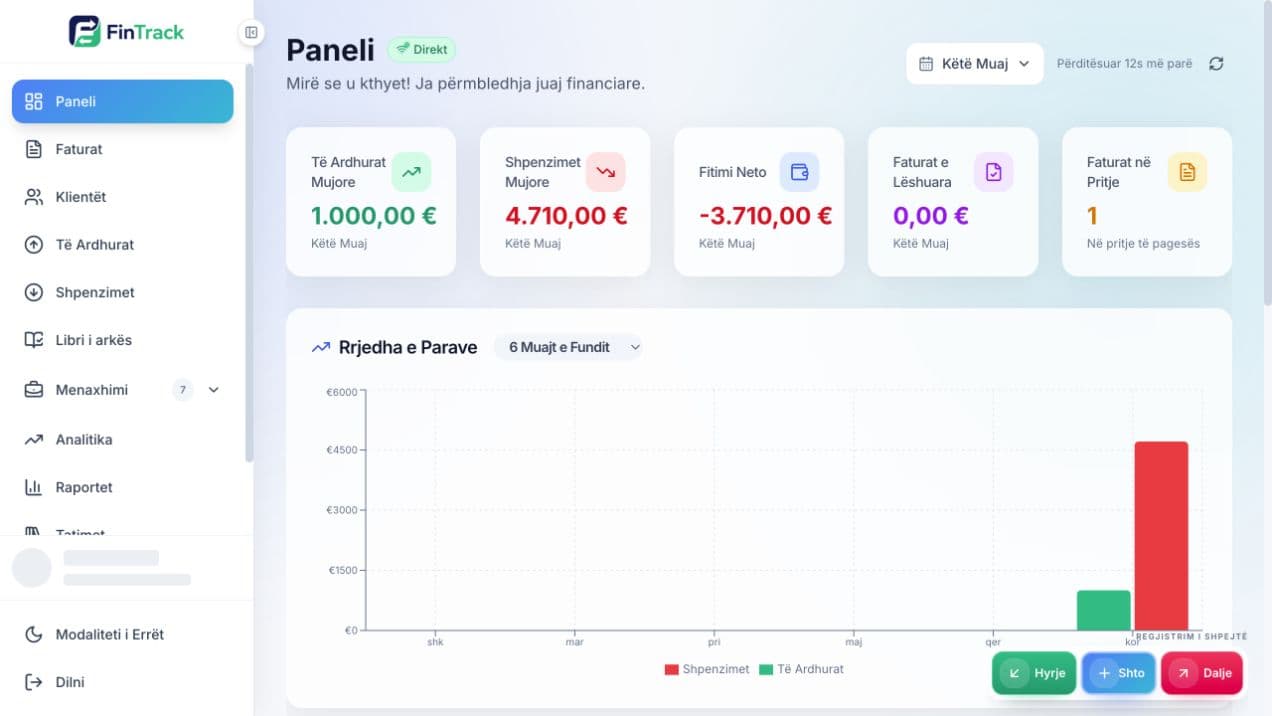
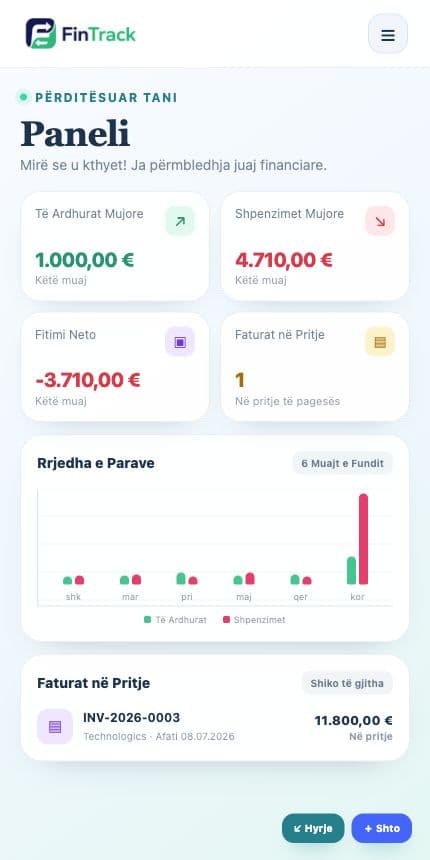
Niseni ditën me pasqyrën e biznesit
Paneli përmbledh të ardhurat, shpenzimet, fitimin neto, faturat e papaguara dhe lëvizjet e fundit. Filtrat e periudhës ju ndihmojnë të krahasoni rezultatet pa ndërtuar raporte manuale.
- Ndryshoni periudhën e raportimit
- Kontrolloni detyrimet e papaguara
- Hapni shpejt faturat dhe transaksionet e fundit
02 · FATURAT & KLIENTËT
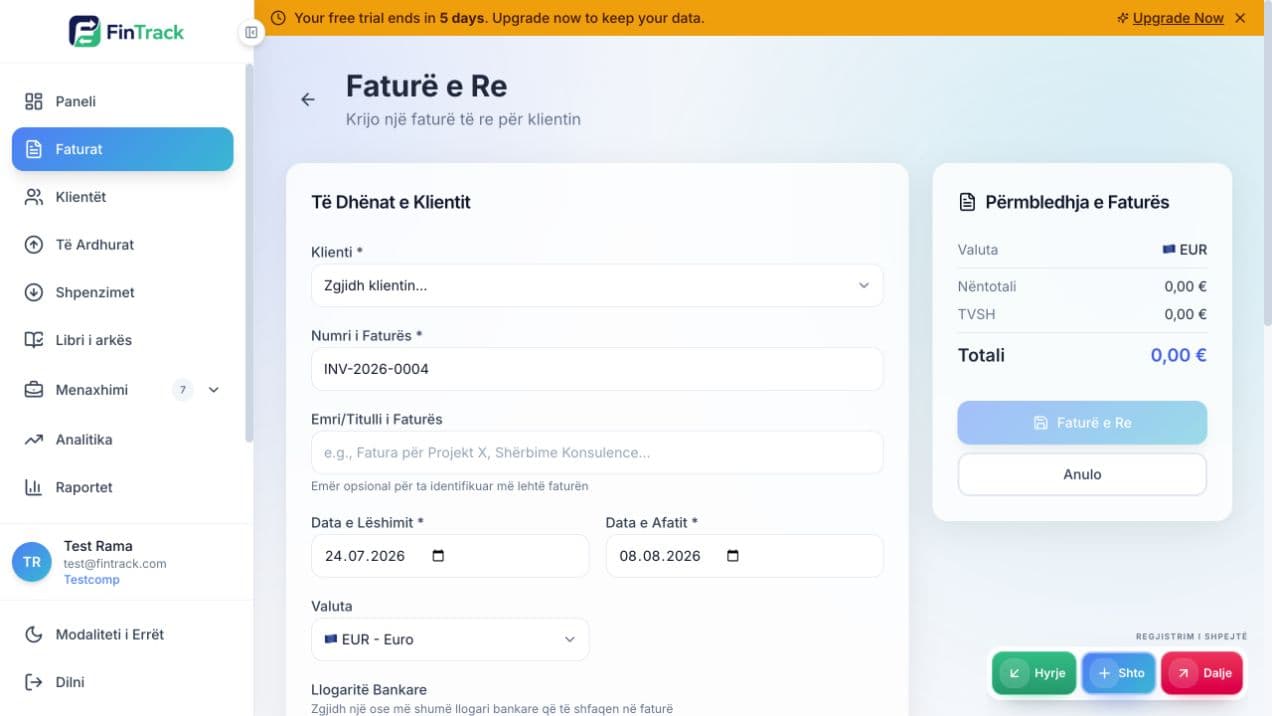
Nga klienti te pagesa, në një rrjedhë
Krijoni klientin, zgjidhni artikujt, caktoni datat dhe lëshoni faturën. Totali, zbritja dhe TVSH-ja llogariten automatikisht; faturën mund ta printoni ose ta eksportoni si PDF.
- Fatura në EUR dhe valuta të tjera të aktivizuara
- Statuset draft, lëshuar, paguar dhe vonuar
- Pagesa të plota ose të pjesshme
- Historiku dhe pasqyra e secilit klient
03 · ARKA & TRANSAKSIONET
Paraja e biznesit, e lidhur me dokumentet
Regjistroni të ardhurat dhe shpenzimet, kategorizoni transaksionet dhe ndiqni gjendjen e arkës. Kur transaksioni lidhet me faturën ose furnitorin, raportet mbeten të sakta.
Të ardhurat
Pagesat hyrëse dhe burimet e tjera.
Shpenzimet
Furnitorët, kategoritë dhe TVSH-ja.
Libri i arkës
Hyrje, dalje dhe bilanci kronologjik.
04 · OPERACIONET
Të dhënat që e mbajnë biznesin në lëvizje
Regjistrat operacionalë shmangin futjen e dyfishtë dhe e bëjnë çdo dokument financiar më të plotë.
Furnitorët
NUI, kontaktet dhe detyrimet.
Artikujt
Produkte, shërbime, njësi dhe TVSH.
Dokumentet
Arkivoni skedarët financiarë.
Asetet fikse
Regjistri, vlera dhe amortizimi.
05 · PUNONJËSIT & PAGAT
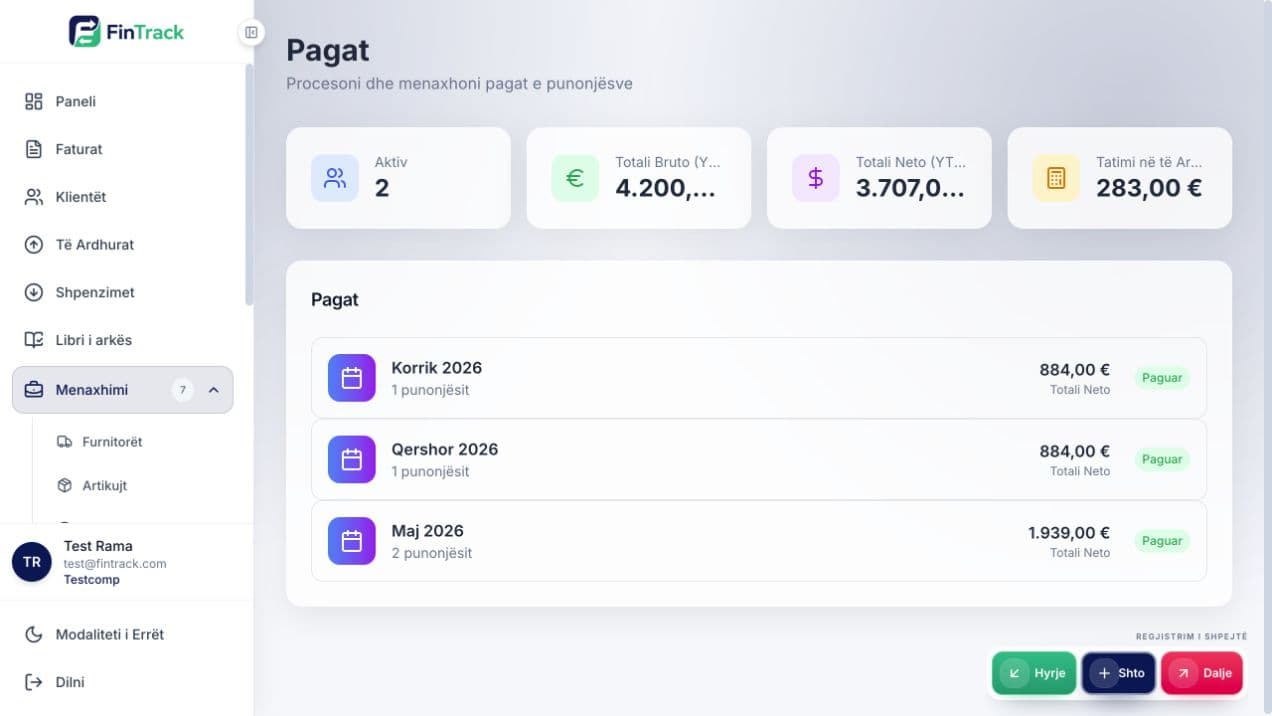
Përpunoni pagat me regjistra të qartë
Mbani profilin e punonjësit, pagën bazë dhe parametrat e punësimit. Përpunimi mujor ruan rezultatet për secilin punonjës dhe ju lejon t’i kontrolloni para finalizimit.
- Regjistri i punonjësve
- Përpunimi sipas muajit
- Statusi i pagesës dhe historiku
- Regjistri i pagave për raportim
06 · ANALITIKA & RAPORTET
Nga transaksionet te vendimet
Analitika ju tregon trendet; raportet ju japin hollësitë. Filtroni sipas periudhës dhe përdorni të njëjtat të dhëna për kontroll të brendshëm dhe raportim.
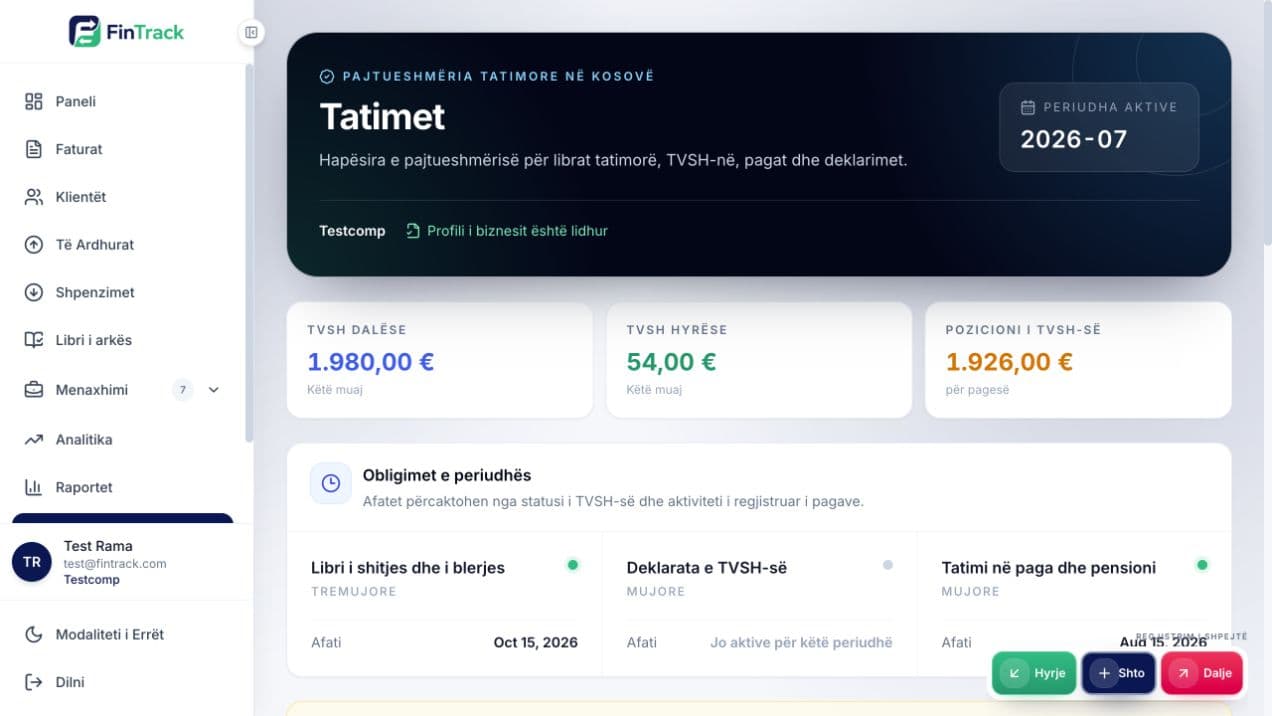
07 · TATIMET & DEKLARIMET
Përgatitni të dhënat për raportim tatimor
Hapësira e tatimeve bashkon raportin e TVSH-së, librat tatimorë dhe deklarimet sipas periudhës. Gjithmonë kontrolloni dokumentet burimore para eksportit ose dorëzimit në ATK.
- TVSH hyrëse dhe dalëse sipas normës
- Librat e blerjes dhe shitjes
- Deklarimet sipas periudhës
- Printim dhe eksport për kontroll
Cilësimet që duhen kontrolluar
Të dhënat e biznesit ndikojnë në faturat, raportet dhe deklarimet. Kufizoni qasjen sipas rolit dhe mbani të përditësuara llogaritë bankare.
Hapni FINTRACK dhe zbatoni hapat
Filloni me profilin e biznesit, shtoni një klient dhe krijoni faturën tuaj të parë.